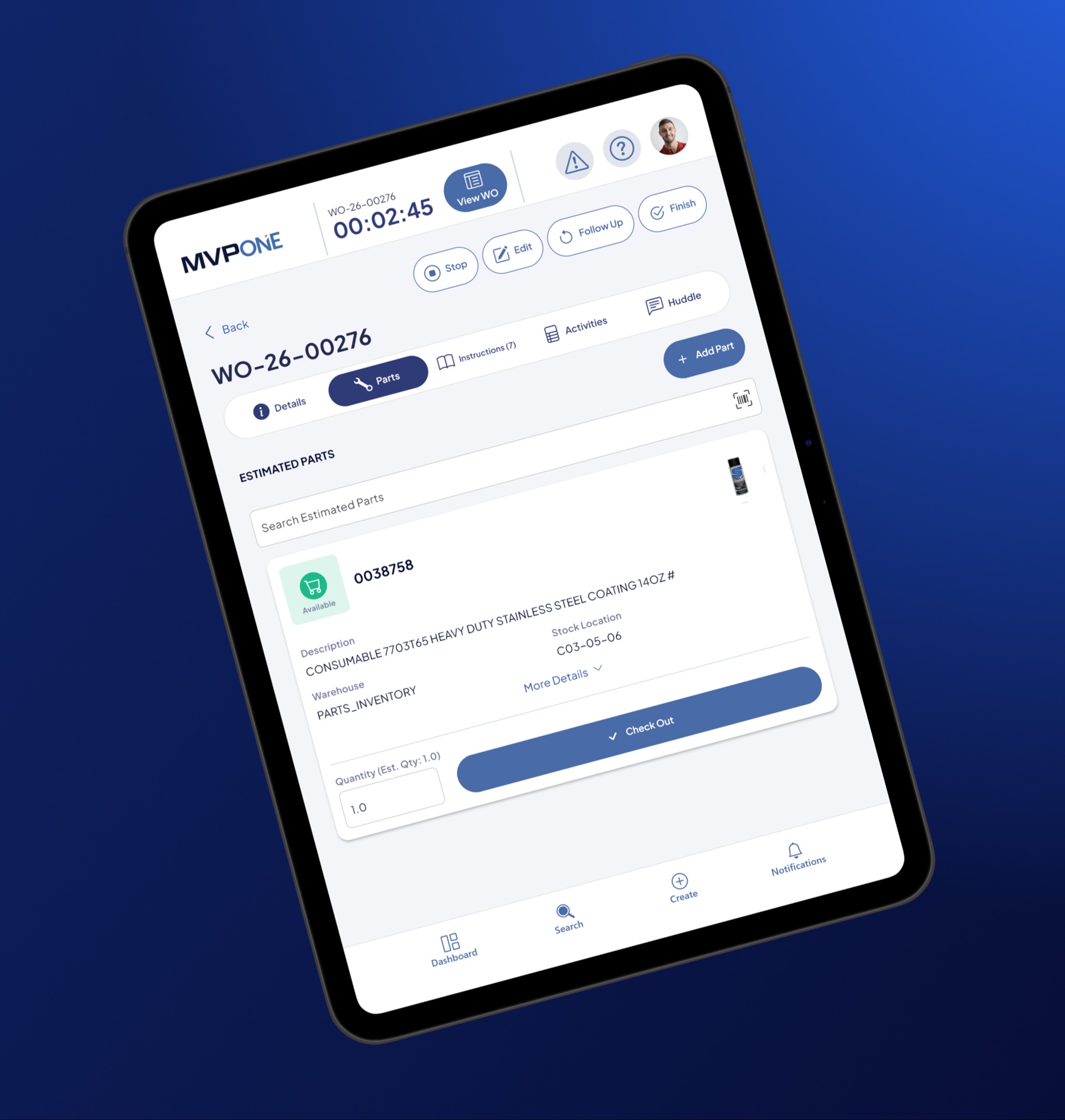
The June 2026 updates to the MVP One mobile app help streamline workflows, improve asset visibility, and more efficiently manage work orders, inventory, and equipment maintenance.
Five Updated Features
Several adjustments were made for the mobile app including:
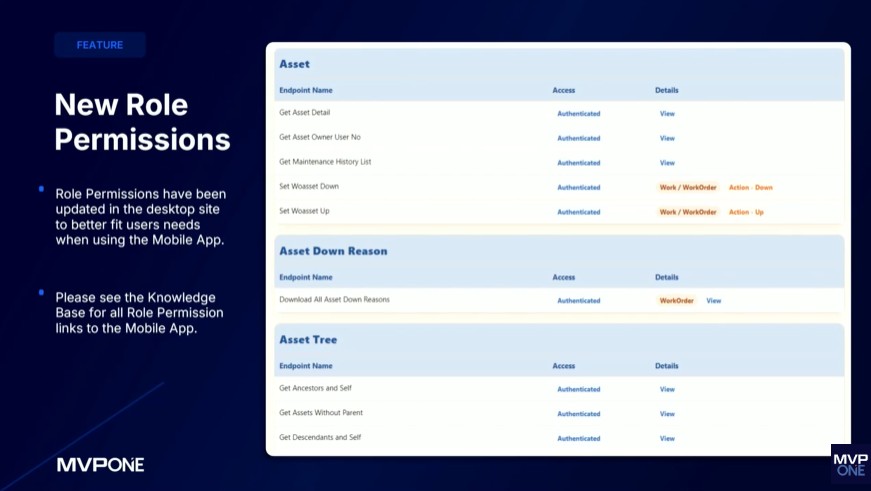
1. New Role Permissions: Custom role permissions are now consistent across the mobile app and desktop version, delivering an improved user experience. This update also simplifies administration, making it easier to manage roles and ensure accuracy across your organization.
See additional information about the mobile role permission updates here.
2. Record Images Appear in Search Result: While the functionality hasn't changed, the design has been altered. Users now have a simplified experience searching for records in the mobile app. If there isn't an image, users will see the associated icon with that type. Users can also add images to the part if there isn't one already associated with it. They’re also able to add images to any other type of record, as well.

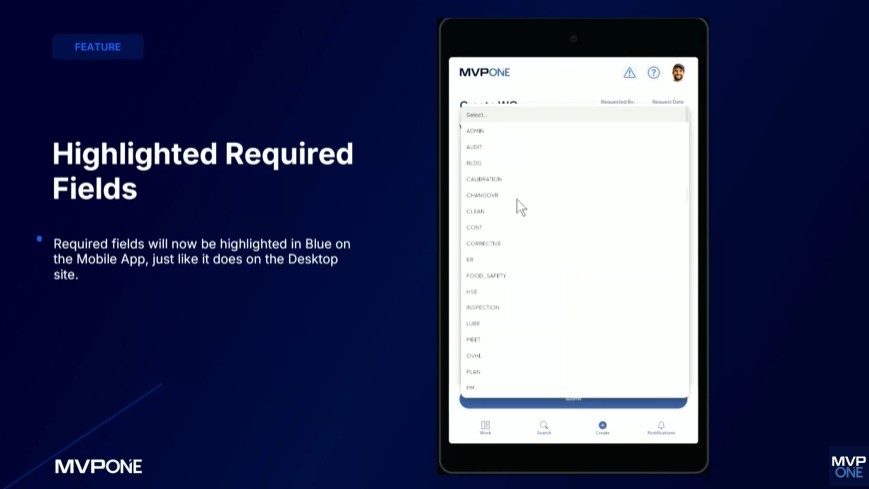
3. Highlighted Required Fields: Like the desktop site, required fields for the mobile app will be highlighted in blue. This was added to introduce visual clarity to users and so the mobile app is consistent with the desktop version.
4. Custom Fields on Asset Records: Asset Custom Fields now appear as part of Asset Records. This feature was added to provide more visual clarity to mobile app users and be consistent with the desktop version. To see custom fields, users can tap the search button, which will bring up the ability to search for the asset followed by the custom fields.

5. Part Return Enhancement: Thanks to popular user demand, this addition lets users perform the "Part Return" action from any parts page, allowing for greater flexibility. It also gives users autonomy over checking out and returning parts, which is helpful in situations where the solution might change and prevents users from being locked into an arbitrary choice.

The MVP One mobile app enables technicians to view, create, edit, and complete work orders without network access, ensuring seamless task execution regardless of connectivity. Once back online, the app synchronizes changes, which keeps asset data current.
Maintenance personnel can receive critical alerts via push notifications, monitor their work order queue in real-time, and view the maintenance history of an asset. These enhancements enable technicians to effectively prioritize repairs and respond to performance trends before failures occur.
These updates reinforce MVP One as a strategic decision support tool rather than a digital filing cabinet. By enabling field teams to easily capture 100% of all work being performed, companies can increase asset reliability, improve technician productivity, and strengthen data accuracy across the organization.
Schedule a demo to learn more.