Work Order Management Software Built for Maintenance Teams
Create, assign, track, and close work orders from any device - with all the asset, parts, and technician data your team needs already built in.

Boost ROI in Every Corner of Maintenance
Unplanned repair reduction
Mean time to repair (MTTR) reduction
Labor efficiency increase
What MVP One Work Orders Can Do
Connect every work order to the right asset, parts inventory, and technician - so your team has everything they need to resolve jobs faster and with less rework.
Stop Chasing Work Orders. Start Closing Them.
Every job captured, every technician aligned, every repair documented. That’s MVP One work order management.


Enhance Data Quality
Build flexible, reusable work order templates around the data that matters to your organization.

Standardize Procedures
Ensure the right repair steps are taken every time with instructions, photos, videos, and comments.
.svg)
Simplify Task Handoff
Assign work orders to technicians based on skills, availability, and priority to improve resolution times.

Schedule Strategically
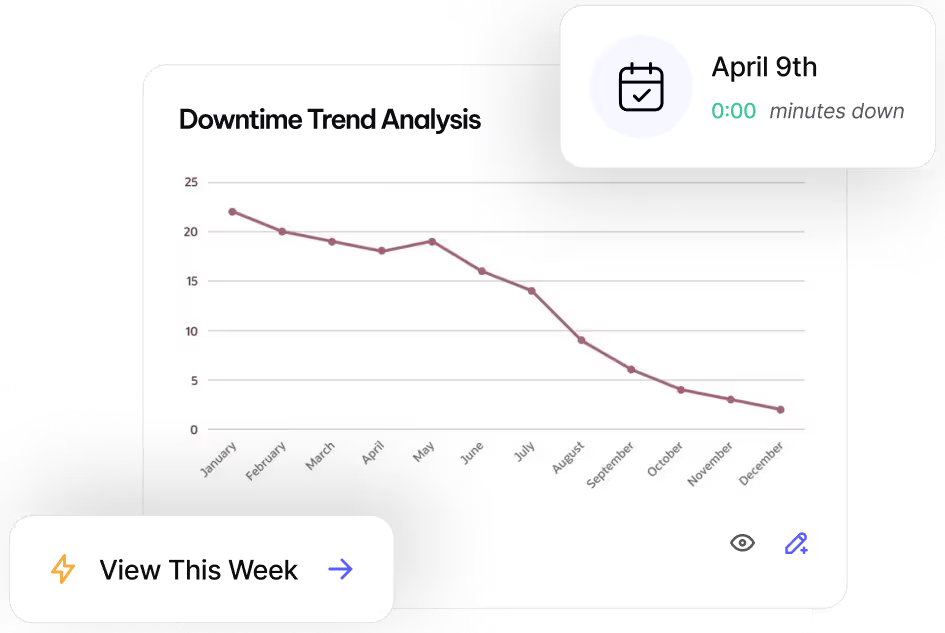
Document asset failures and analyze repair trends for smarter preventive maintenance planning.
How MVP One’s Work Order System Works
From first request to closed-out job - MVP One keeps every step organized and visible.

Create Data Once
Add asset data into MVP One and use it across multiple work orders.

Design a Template
Enter editable fields to document crucial repair data as you go.
Assign, Track, and Complete
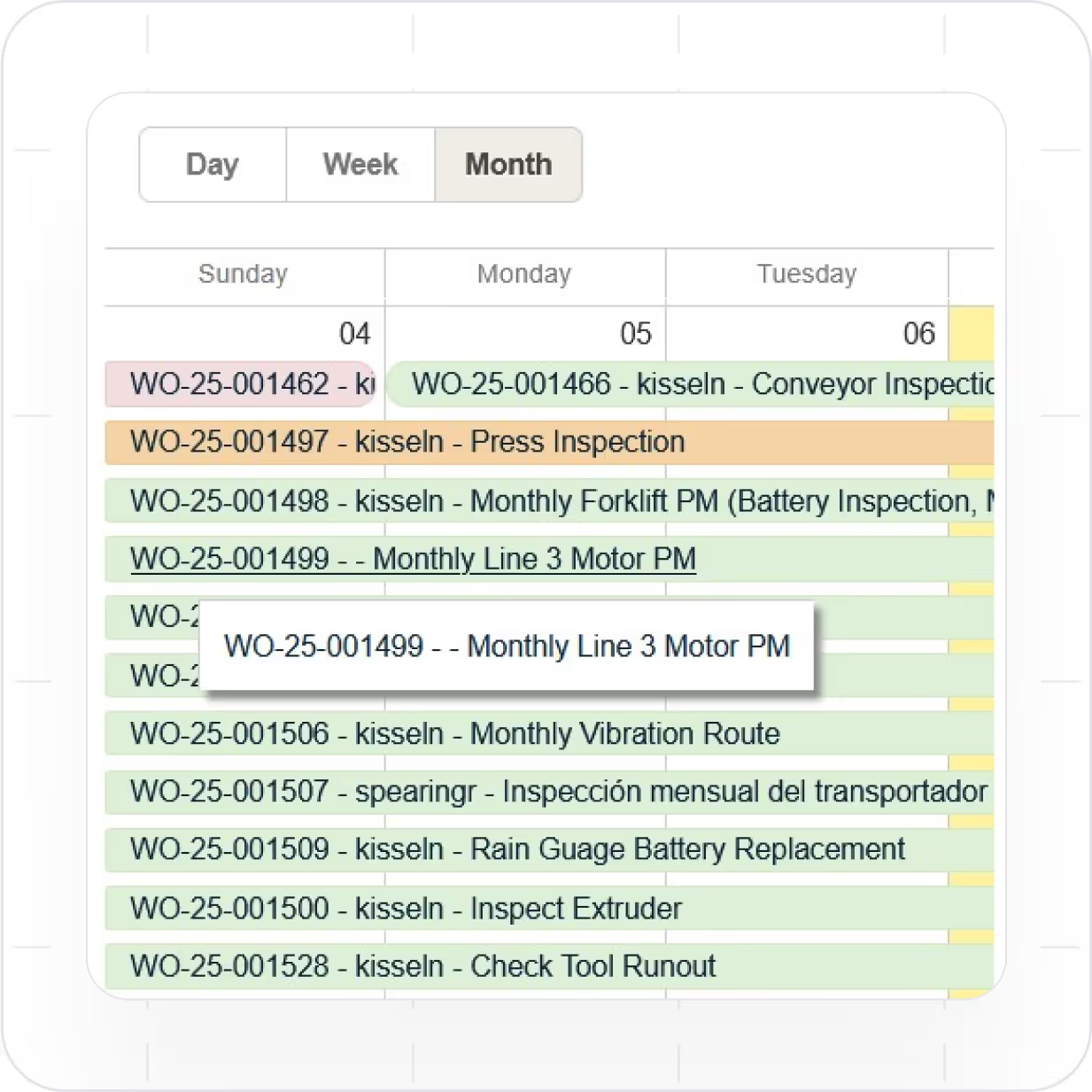
Schedule technicians, track progress, and resolve repairs in one system.
Leave No Time for Downtime
Discover how MVP One keeps operations running at full capacity, get your demo now.