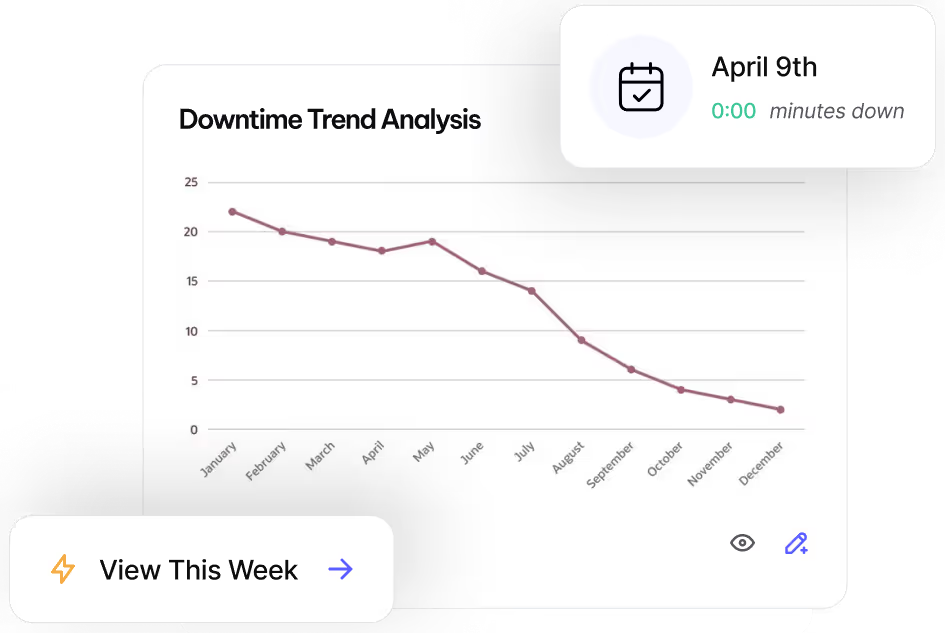
Switching to MVP One is Easier Than Ever
We handle CMMS training and data migration - so your team can stay focused on keeping equipment running.


Set Your Team Up for Maintenance Success
MVP One guides your team from kickoff to go-live - with expert-led training, SOP development, and data migration support built in from day one.
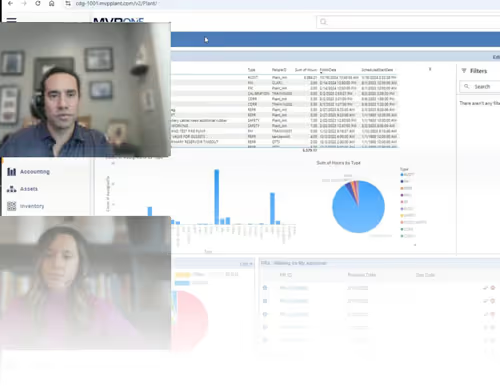
MVP One CMMS Training
Expert-led training at beginner, intermediate, and advanced levels - built around your workflows and your team's real responsibilities.

Maintenance SOPs
Once key team members are trained, we work with you to document standard operating procedures tailored to your plant's actual workflows.

Data Migration
Using manual input or our Import Wizard, MVP One precisely migrates your existing maintenance records - assets, work orders, and history - into your new system.
Upcoming CMMS Training
MVP 101
Start here. Learn CMMS essentials and core Intelligent Asset Management concepts to get your team operational fast.


MVP 201
Go deeper. Build proficiency across advanced modules and configure MVP One to match your team's specific maintenance workflows.
MVP 305-401
Master the full platform. Advanced reporting, scheduling optimization, and full operational control - for teams ready to run at peak reliability.
Launch Faster with Quick Start
Short on time? Break training into focused one-hour sessions that fit your team's schedule without slowing down plant operations.

25+ Years of Maintenance Success...
Will your organization be next?

"MVP One CMMS is great and makes doing my job so simple and intuitive. Everything I do goes hand in hand with this system now, so I'm very happy to be able to rely so much on it!"
"It’s a fast and easy system that will help organize your shop. I never need to look all over for parts; we have items on-hand in minutes. Thanks, MVP One!"
"I love how I can look back and review Work Order history and Purchase Order history without having to sort through stacks of papers. If your company wants to stay efficient and wants to get rid of outdated methods or multiple systems, then I highly recommend MVP One."


Leave No Time for Downtime
Discover how MVP One keeps operations running at full capacity, get your demo now.