Enhance Data Quality
Build flexible, reusable work order templates around the data that matters to your organization.

Standardize Procedures
Ensure the right repair steps are taken every time with instructions, photos, videos, and comments.
.svg)
Simplify Task Handoff
Assign work orders to technicians based on skills, availability, and priority to improve resolution times.

Schedule Strategically
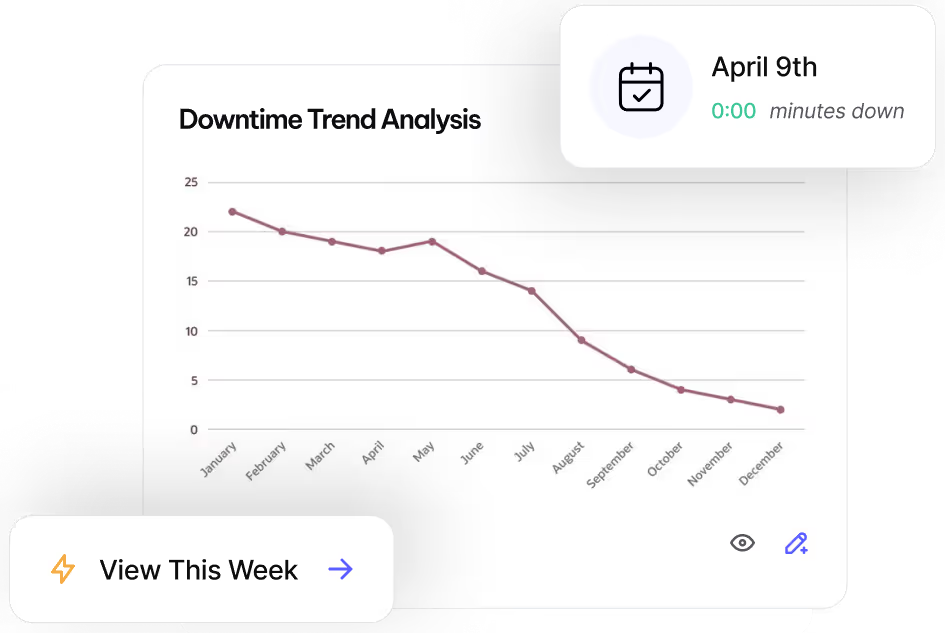
Document asset failures and analyze repair trends for smarter preventive maintenance planning.
Work Smarter with MVP One
Leave No Time for Downtime
Discover how MVP One keeps operations running at full capacity, get your demo now.